
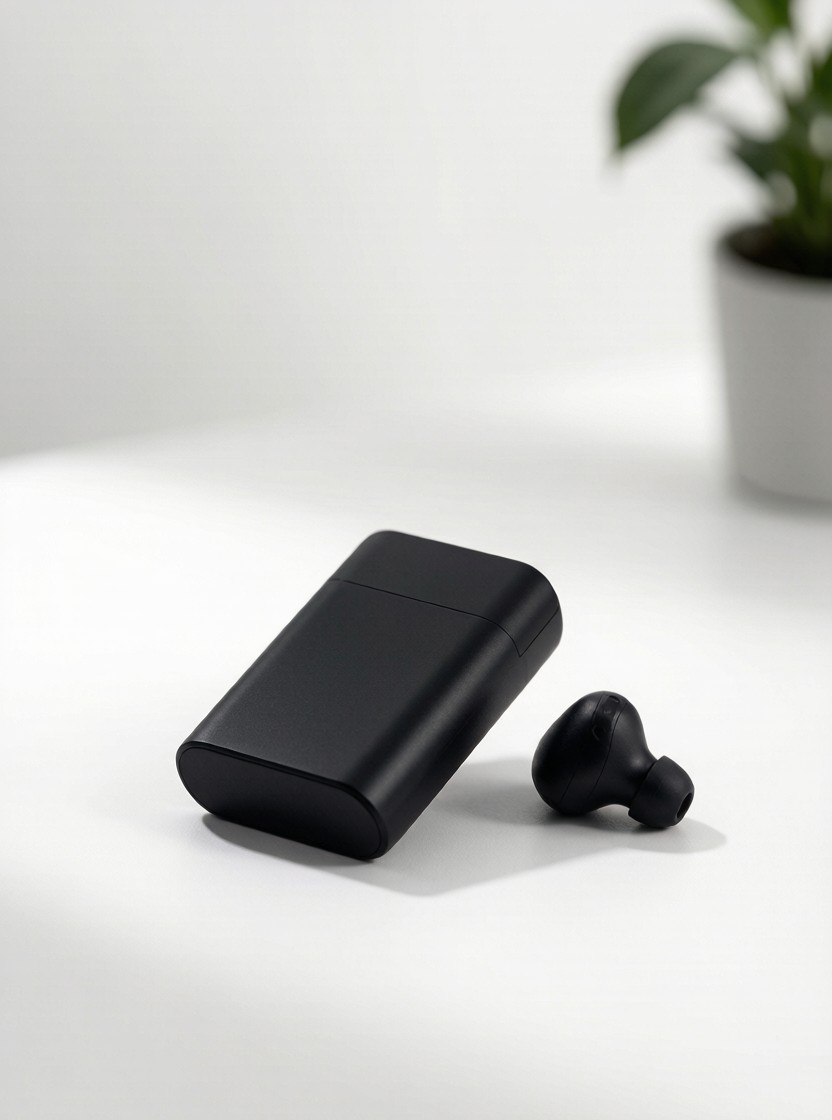
A focused one-feature demo: show the trigger, the action, and the payoff in 60 seconds.
Format: 60-second single-feature explainer (1:1 or 16:9) | Runtime: 1:00 | Tier: Quick-Win Single | Category: Product & Feature Explainer
What’s Included
- Full 60-second feature script
- Screen-recording / demo direction
- Benefit-to-feature mapping
- Closed-caption script
Feature in 60 – Master Script
- Hook – 0:00-0:08 — Visual: Product still, then the one feature highlighted with a glow. Audio/VO: VO: ‘Here’s the one feature people ask about: [Feature].’ On-screen: [Feature] SFX: Light ping Time: 8s
- Trigger – 0:08-0:22 — Visual: Real user moment that creates the need (e.g., opening the app, a task). Audio/VO: VO: ‘When you [trigger], just [action].’ On-screen: When you [trigger] SFX: Natural UI sound Time: 14s
- Demo – 0:22-0:45 — Visual: Screen recording or hands-on of the feature working. Audio/VO: VO: ‘Watch – [step 1], [step 2], done. No [old step].’ On-screen: Step 1 / Step 2 / Done SFX: Click confirms Time: 23s
- Payoff + CTA – 0:45-1:00 — Visual: Result state; product hero. Audio/VO: VO: ‘That’s [benefit]. Try it free.’ On-screen: Try [Feature] free SFX: Warm close Time: 15s
Shot List
- Product hero with feature glow
- User trigger moment
- Screen-recording of the feature
- Result supers + CTA
Production Notes
- Pick ONLY one feature; resist bundling.
- Screen-record at native resolution, 60fps.
- Name the old painful step so the fix lands.
- End on the benefit verb, not the feature noun.
CTA: Try [Feature] free – link in the description.
SIVO – Corporate & Explainer Video Scripts. Brand-agnostic, ready-to-shoot templates; replace bracketed [placeholders] with your details.


Reviews
There are no reviews yet.